How to Add Images
You can add and categorize photos.
Step-by-Step Guide
- Log into your owner account.
- Click on Pictures for the listing you want to edit.
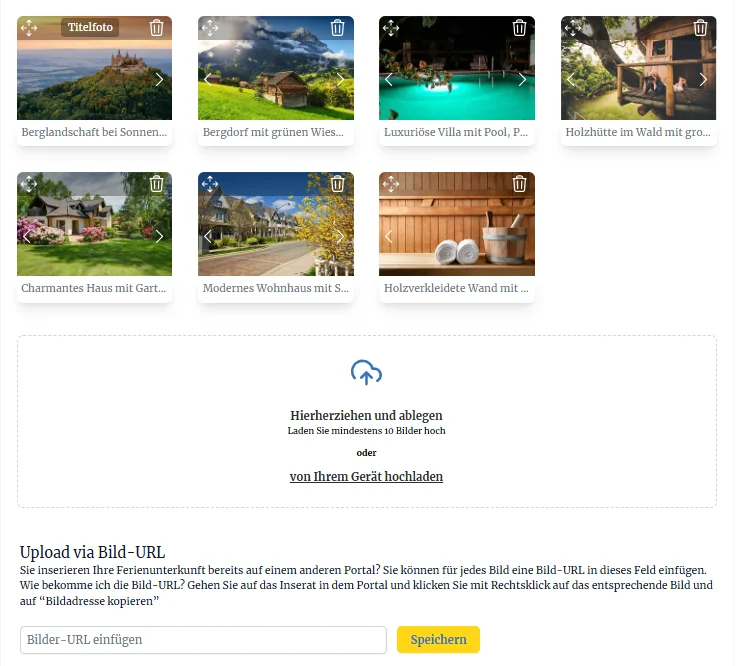
You can now drag and drop the images or click to upload them from your device. (Uploading multiple images simultaneously is possible; select the images beforehand.)
The minimum required size for photos is 1024 x 682 pixels. An optimal display is ensured in a 3:2 format. The file size must not exceed 10 GB. Supported file formats: JPG, PNG, and BMP.
If you are already listing on another portal, an upload via image URL is also possible.
Was this article helpful?
Thank you for your feedback.
Sorry to hear that. Let us know briefly what was missing – we will improve the article.
Still have questions?
Our support team will help you personally.
support@tourist-paradise.com or submit a support request