How do I set a minimum stay?
You can define a separate minimum stay for each seasonal period.
Step-by-step guide
Setting the minimum stay in the basic settings
- Log in to your host account.
- Select the listing you want to edit and click “Prices.”
- Under “Base rental price,” select the desired number of nights from the dropdown list (e.g., “5 nights”).
- Click “Save.”
Setting the minimum stay for each seasonal period
- Log in to your host account.
- Select the listing you want to edit and click “Prices.”
- Click “Rental price calendar.”
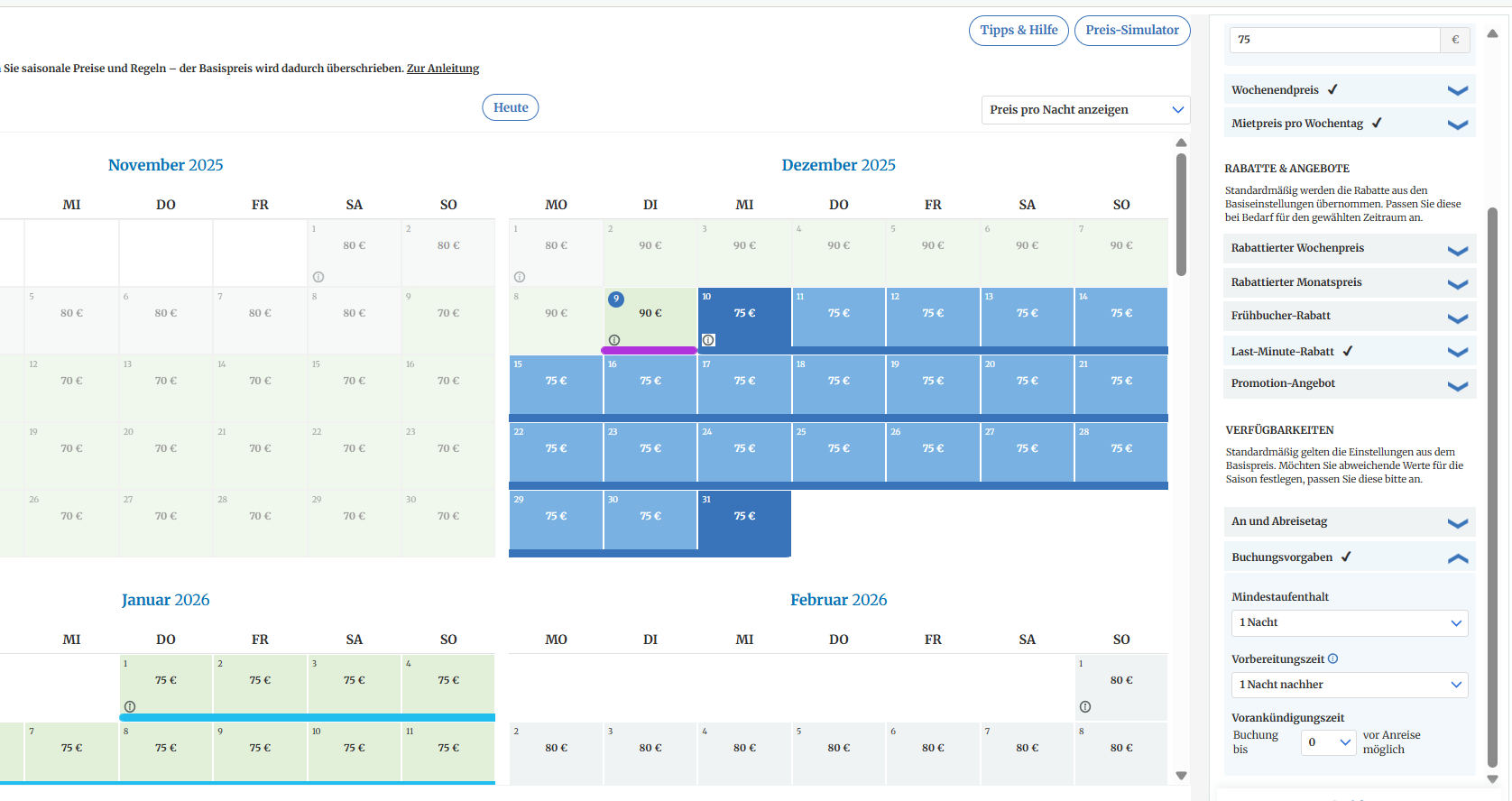
- In the calendar on the left, highlight the period for which a specific minimum stay should apply, or click on the colored season bar (by selecting the start and end dates).
- In the right sidebar, scroll to “Booking requirements” and then to “Minimum stay.” Select the desired number of nights from the dropdown list.
- Click “Save.”
Repeat these steps for all additional seasonal periods in which a different minimum stay should apply.
You can set different minimum stays depending on the season. To set a minimum stay for each season, follow these steps:
Step-by-Step Guide:
- Log in to your host account.
- Click on "Prices" for the listing you want to edit.
- Click on "Rental Price Calendar."
- Select the period for which the minimum stay should apply.
- Choose the desired minimum number of nights by clicking under "minimum stay".
- Click "Save."
Was this article helpful?
Thank you for your feedback.
Sorry to hear that. Let us know briefly what was missing – we will improve the article.
Still have questions?
Our support team will help you personally.
support@tourist-paradise.com or submit a support request