How do I leave a review for a property?
On tourist-paradise.com, every guest can review a vacation rental they've stayed in, as long as they follow the terms of use for reviews. You can find our terms of use here.
To leave a review, open the property you booked using the search. Just enter the property number in the "Where would you like to go?" field. You'll find the property number in the email confirming your inquiry or in your guest account under requested properties.

Now click "Reviews" in the listing and then "Write a review".
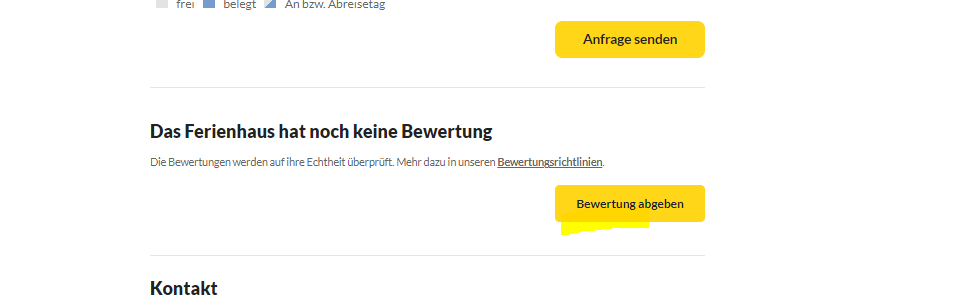
Please note that you can only leave a review using the email address you used to send the booking request for this property.
Now fill in the review form and submit it. Your review will be published shortly.
Related articles
Was this article helpful?
Thank you for your feedback.
Sorry to hear that. Let us know briefly what was missing – we will improve the article.
Still have questions?
Our support team will help you personally.
support@tourist-paradise.com